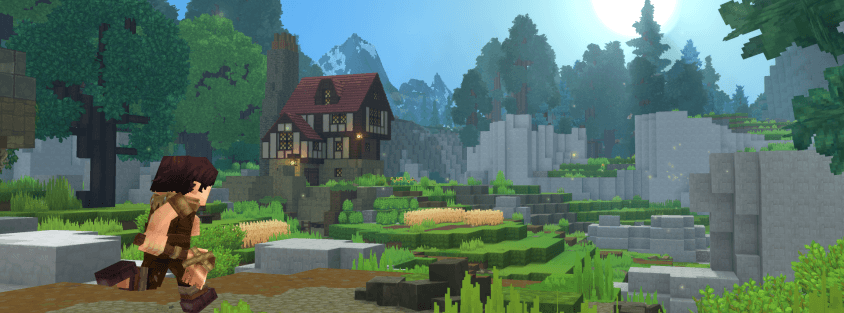
Search for Hytale controller support and most of what comes up still says it doesn't exist — those guides were written before Update 5. It shipped on May 26, 2026, and native gamepad support has been in the game ever since. Here's what actually works right now, how to get it running, and the handful of other Update 5 features worth knowing about that got buried under the headline news.
Does Hytale Have Controller Support?
Yes — as of Update 5, plugging in an Xbox, PlayStation, or Nintendo Switch controller is recognized natively. No third-party mapping software, no Steam Input community layouts, no workarounds. You can move, fight, explore, and navigate menus entirely with a gamepad. If you read a guide telling you to set up Steam Community Layouts or remap keys with third-party software, it's describing the pre-Update 5 workaround era — skip straight to the native option below.
How to Set Up a Controller in Hytale
- Connect your controller before or after launching the game — Xbox, PlayStation, and Switch controllers are all supported natively.
- Launch Hytale. Native support means the game should detect the controller automatically, without needing Steam Input or a third-party layout.
- Check the in-game control settings if inputs don't respond as expected — button mapping and sensitivity options live there, and Early Access settings menus shift between patches.
- If detection fails, a driver or firmware update for your specific controller model is the most common fix — this is far more likely than Hytale itself not supporting your gamepad.
If you were on a Steam Community Layout or third-party remapper before Update 5, you can drop it — native support replaces the need for both, and layered workarounds on top of native support are more likely to cause input conflicts than fix anything.
Other Update 5 Features You Might Have Missed
Controller support was one of thirteen changes in Update 5, and a few of the others are worth knowing about even if they didn't headline the patch notes:
- Server Discovery — an in-game browser surfacing featured community servers hand-picked by the Hytale team, right alongside the existing multiplayer menu. It's a good sign for the server ecosystem generally: the more ways players find community servers, the healthier the whole scene gets. It's also not a replacement for browsing by vote count and live analytics — the full Hytale Top Servers list covers every listed server, not just featured picks.
- Social Sidebar with Discord integration — Discord friends can now be added as in-game friends directly, and the sidebar reflects their avatar changes automatically.
- Trigger Volume Tool — lets server builders script encounters and events without writing code, a meaningful accessibility jump for anyone designing custom content.
- Chat command tab-autocomplete — typing / now suggests and completes commands as you type, which pairs well with learning the full commands list since you can tab through options instead of memorizing exact syntax.
- Reworked Extrude Tool and Enhanced Prefab Preview — quality-of-life upgrades for anyone doing serious building or worldgen work.
Why This Matters for Console-Style Play on PC
Native controller support closes a real gap for players who prefer a gamepad but were locked out of a genuinely comfortable experience before Update 5. It also matters for anyone streaming or recording from a couch setup — combat and building both work end to end without a keyboard in reach. Combined with the Player Movement System Rework also shipped in Update 5, movement with a controller feels considerably more responsive than it did during the January launch window.
The Bottom Line
Hytale has had native controller support since Update 5 on May 26, 2026 — if you've been avoiding the game on a gamepad because of an outdated guide, that blocker is gone. Plug in, launch, and check the control settings menu if anything doesn't map the way you expect.
Once you're set up, the best way to use that controller is on a community server. Browse live Hytale servers on Hytale Top Servers and find one that fits how you play — or if you're running one yourself, list it for free to reach players discovering servers through both routes.